


Do you wish that managing and processing raw data were simplified and more organized?
Then, try Power BI. The semantic models that underlie Power BI reports are exceptional for transforming raw data into an actionable, structured format. Whether you’re building basic reports or complex dashboards, understanding the role of semantic models in Power BI is crucial for optimizing data analysis and achieving meaningful results.
So, dive into our comprehensive guide on Semantic models in Power BI and learn how to get more out of your data.

What is a Semantic Model?
A semantic model in Power BI is a bridge between your visualizations and unprocessed data sources. It helps with intuitive data interaction by translating complex data structures into clear, user-friendly terms. More importantly, it defines, organizes, and exposes data in a manner consistent with business logic, which increases the relevance and impact of your data analysis.
Key Components of Semantic Model in Power BI
Semantic models consist of several different elements that play crucial roles in organizing, simplifying, and securing data, such as:






What Makes Semantic Models so Powerful?
A semantic model in Power BI is specifically developed to simplify complex data structures and improve the user experience. It makes data more accessible for well-informed decision-making by improving consistency and optimizing performance.

Simplified User Experience
The semantic model in Power BI is there to present complex raw data in a simplified form that meets business needs. This method allows non-technical people to efficiently study data, make informed decisions, and create reports without requiring a deep understanding of the underlying data structures.
.png)
Enhanced Data Consistency
Organizations can ensure consistency across different reports and dashboards by centralizing calculations and data definitions within a semantic model. This avoids discrepancies that often arise when multiple users independently create calculations or use different data sources.
.png)
Optimized Performance
A semantic model helps optimize the performance of queries by structuring data in a more efficient way. This reduces the load on data sources and speeds up rendering visuals and data queries within reports.
Flexible Data Exploration
The semantic model empowers users to explore data interactively. By leveraging relationships, hierarchies, and measures, users can easily perform ad-hoc analyses, gaining deeper insights and quickly identifying trends or outliers.
Creating a Semantic Model in Power BI

Connect to Data Sources
Start by connecting Power BI Desktop to your desired data sources. This could include databases, cloud services, Excel sheets, etc.

Transform and Clean Data
Use Power Query to organize and clean your data. This step is essential for ensuring that your data is ready for modeling and analysis.

Design the Data Model
Define relationships between tables, create hierarchies, and set up the basic structure of your semantic model. Establish data relationships through the Model view in Power BI Desktop.

Develop Measures with DAX
Write DAX formulas to create calculated measures that can be reused across your reports. These measures allow for advanced analytics and enhance the depth of your insights.

Add Metadata and Labels
Rename columns and tables to create an intuitive experience for end-users. Include descriptions and formatting as needed.

Set Up Security
Use Row-Level Security (RLS) to manage user-role data access. This will keep data security and privacy intact since users will only see information that is pertinent to them.

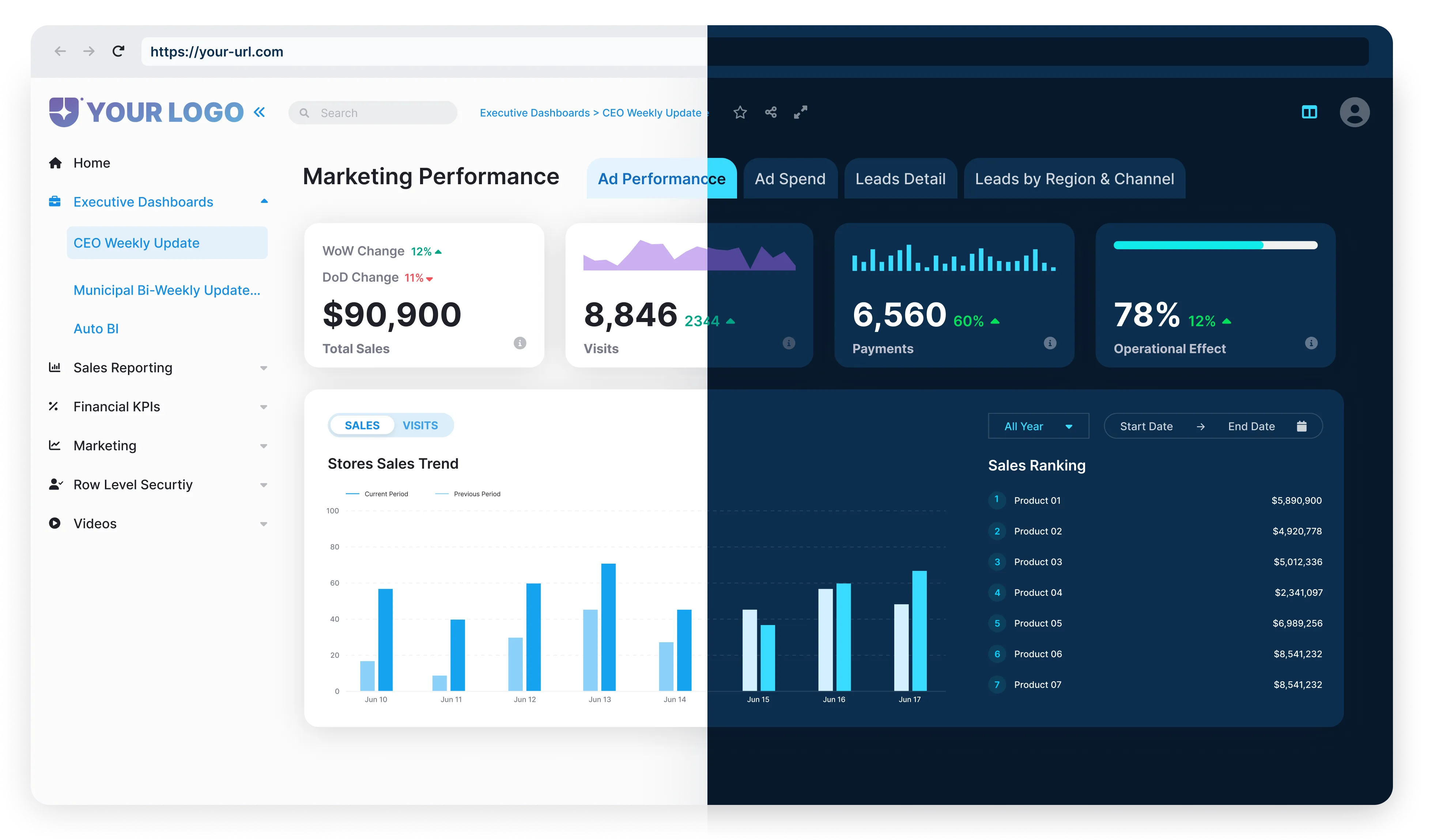
How The Reporting Hub Complements Power BI
The value of a robust semantic model is undeniable. However, managing data models, user access, and report sharing can become complex as organizations scale.
This is where The Reporting Hub proves invaluable:
.png)
.png)
.png)
Together, Power BI and The Reporting Hub unlock new levels of efficiency, scalability, and user-centric analytics—positioning your business to deliver insightful, consistent, and easily accessible data experiences.