


Data security is essential. But too often, protecting data slows everything else down. Reports take longer to load. Dashboards lag. Users wait.
And in analytics, speed matters. You shouldn’t have to choose between protecting your data and delivering a fast, seamless experience. With the right tools and setup, you can have both, without compromise.
The Challenge: Security vs. Speed in Embedded Analytics
It’s not uncommon for users to click into a report and wait… and wait. Those delays usually come from layers of security checks. While they’re there to protect your data, they can ruin the experience.
In embedded analytics, experience is everything. Users expect dashboards to be fast, responsive, and always available – especially when they’re built into your product.
At Reporting Hub, we’ve solved that problem. Unlike most SaaS providers, our platform is fully deployed in your Azure environment. That means we never store, process, or transmit customer data. You stay in control of your data, security, and compliance.
This approach eliminates external data access delays, giving you secure, embedded Power BI reporting with the performance your users expect.

Why Performance Matters in Power BI Embedded
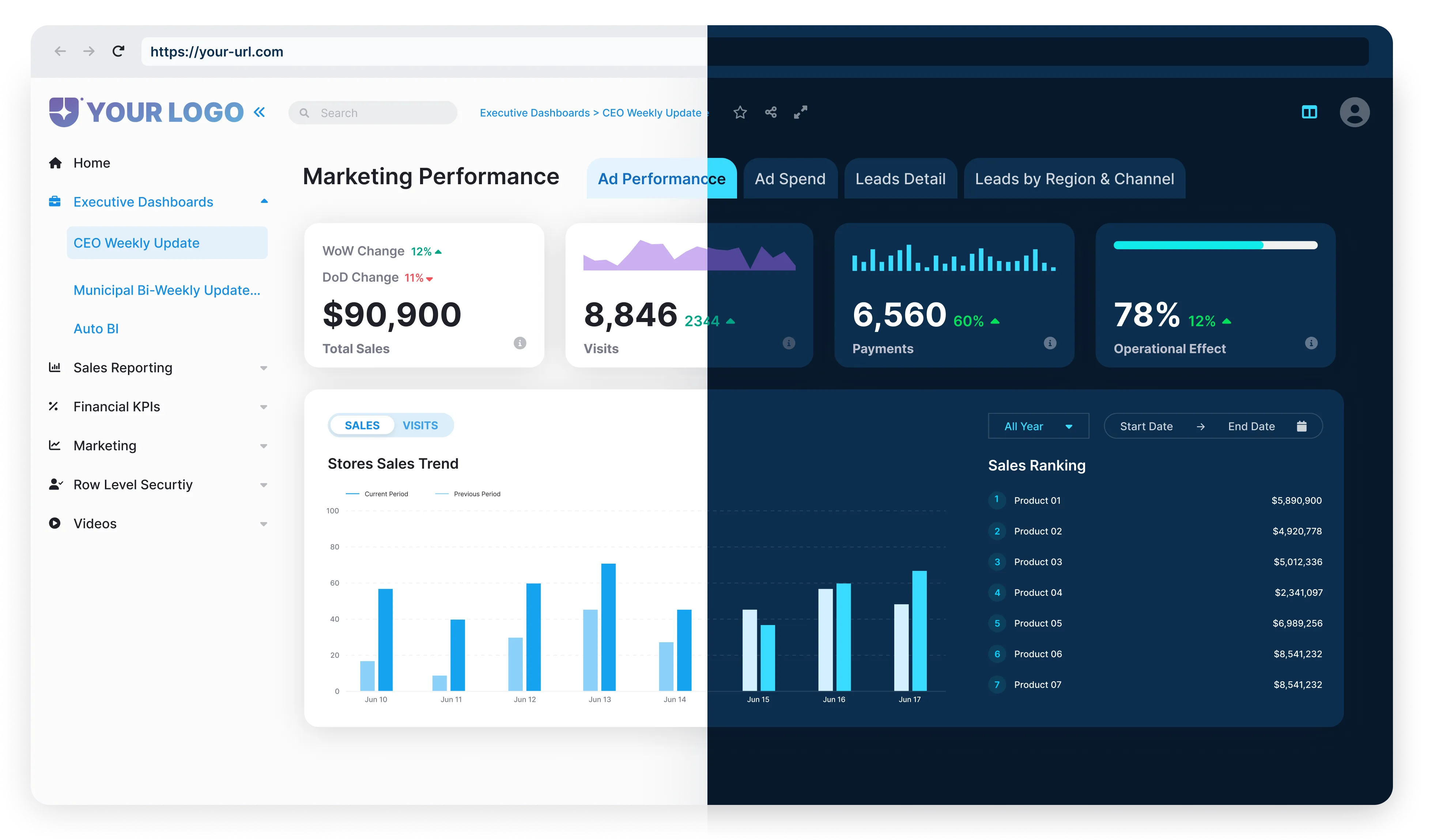
Users don’t just want insights – they want them now. Power BI Embedded lets you deliver dashboards right inside your application, so users get seamless access to the data they need.
But when reports are slow to load, frustration builds fast. It doesn’t just hurt the experience – it can delay decisions and lower product value.

Speed isn’t optional. For embedded analytics to deliver on its promise, performance has to match security – and Power BI Embedded is built to deliver both.
Best Practices for Faster Performance in Power BI Embedded
Fast doesn’t mean fragile. Here’s how to optimize for speed without giving up security:





Smarter Architecture for Safer, Faster Reporting
Power BI Embedded includes advanced features to protect data and improve performance at scale:

Multi-tenant support
Isolate tenants using separate workspaces or RLS with DAX dynamic filters. For Premium, use dedicated capacities per tenant to avoid resource contention.
Audit logs
Get full visibility into usage for compliance and monitoring.

Row-level security
Ensure users only see what they’re allowed to – nothing more.

Reporting Hub builds on this foundation with even more safeguards:

Secure code development
We follow strict security testing and code review practices.

Minimal attack surface
Our deployment lives entirely in your Azure environment.

Customer-controlled access
You define identity, authentication, and permissions.
No data retention
We never store your customer data – removing risk at the root.
Security Without Sacrificing Speed: How Power BI Embedded Gets It Right
Power BI Embedded is designed for both performance and protection. It uses encrypted pipelines, Azure Active Directory for authentication, and granular access controls – all without slowing down the user experience.
In short:



It’s security by design – optimized for speed.
Achieving the Perfect Balance with Reporting Hub
At Reporting Hub, we believe speed and security should go hand in hand. That’s why we built a white-label business intelligence platform that delivers both – without trade-offs.
The Bottom Line
Our plug-and-play, no-code reporting portal is purpose-built for Power BI Embedded. With it, you can:




Whether you’re scaling internal dashboards or launching data products, Reporting Hub gives you the power to do it all – securely, quickly, and on your terms.