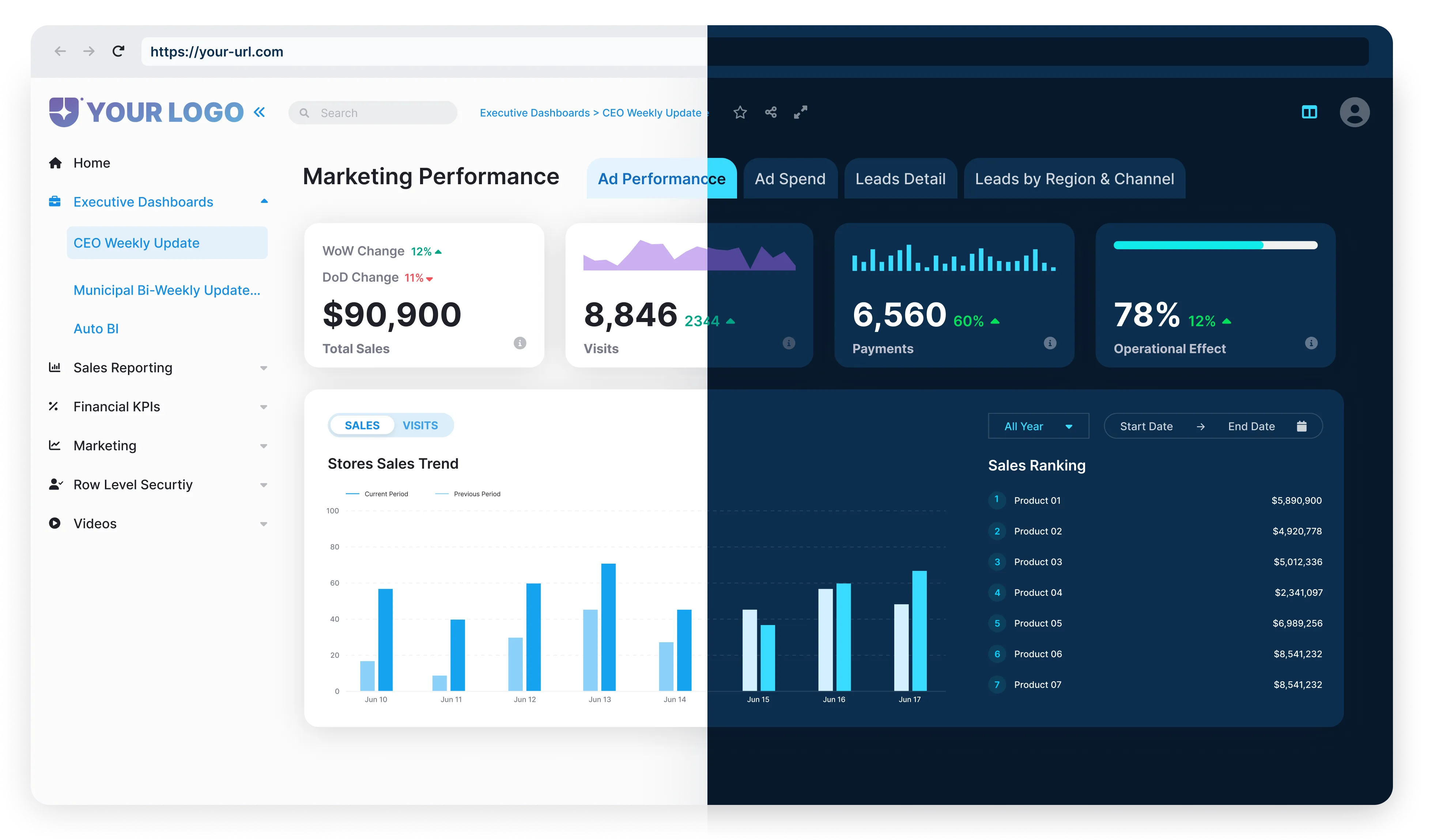

What is Cloud-Based BI, and How Does It Differ from Traditional BI?
Cloud-based BI refers to delivering business intelligence capabilities, which are data storage, analytics, and visualization through cloud infrastructure, allowing teams to access insights securely from any location or device.
It differs from traditional systems by eliminating the need for local servers. Instead, it operates through secure cloud environments where computing resources scale automatically with demand. This model increases flexibility, reduces costs, and supports hybrid work environments.
Cloud-based BI solutions integrate key components, including data storage, ETL (extract, transform, load) pipelines, visualization dashboards, and AI-driven analytics. Security measures include encryption, access control, and compliance certifications. Together, these features deliver enterprise-grade analytics with minimal IT overhead.
Popular platforms like Power BI, Tableau Cloud, Qlik Cloud, Looker, and Domo exemplify cloud-based Business Intelligence tools. They combine scalability with automation, helping you explore data interactively while maintaining governance and accessibility for all business users.

What Are the Key Features of Cloud-Based Business Intelligence Platforms?
Cloud-based Business Intelligence platforms offer scalability, accessibility, and automation to support global data collaboration and intelligent analytics.

Scalable and Flexible
Automatically adjusts to both workload and demand side.

Real-Time Data Integration
Links real-time data sources to keep a steady pulse of the action. In fact, by 2025, more than 70% of organizations are expected to use real-time analytics to drive decision-making.

Accessibility
Provides secure access to analytics from anywhere, using any device.

Collaboration
Encourages collaboration with dashboards and reports shared between teams.

Security and Governance
Secures sensitive data with encryption and compliance frameworks.
What Are the Pros and Cons of Cloud-Based BI Platforms?
Cloud-based BI provides an unparalleled level of flexibility and live insight access; however, there are also data governance, integration, and customization factors to consider. Scalability versus control is a trade-off that organizations need to strike to achieve an optimal balance for their environment.
Pros

Scalability: It scales easily as your data grows. Your analytics capacity grows with your needs. You can add users, storage, and features without changing infrastructure.

Cost Efficiency: By removing on-premises hardware and maintenance, cloud-based Business Intelligence significantly lowers upfront costs. You only pay for the storage and compute resources you use, optimizing operational budgets.

Faster Deployment: Cloud-based BI platforms deploy in weeks, not months. Centralized setup and automated updates eliminate long implementation cycles, allowing your teams to gain insights quickly.

Automatic Updates and Innovations: Vendors continuously enhance features through automatic updates. With this, your platform remains current with emerging analytics technologies, such as AI integration and data automation.

Remote Collaboration: Teams can access and share dashboards securely from anywhere. It empowers distributed teams to make collective, data-driven decisions without being constrained by local network limitations.

AI-Driven Analytics: Cloud platforms integrate predictive modelling and natural language querying. AI capabilities embedded within systems accelerate insights and reduce manual data preparation.
Cons

Data Security Concerns: Even with encryption, some organizations may be skittish about storing data outside the house. Trust is kept through stringent access controls and vendor certifications.

Limited Customization: Some BI solutions restrict deep customization of backend architecture, which can affect organizations with particular analytics workflows.

Dependency on Internet Connectivity and Vendor Uptime: Reliable network access is essential. Downtime or poor connectivity can temporarily disrupt analytics delivery, affecting time-sensitive decisions.
FAQ’s
It ensures users access only relevant data, protecting privacy, improving compliance, and maintaining Power BI governance integrity.
Workspace permissions control general access, while Power BI report access permissions define who can interact with specific reports or dashboards.
Quarterly reviews are ideal to verify that Power BI permissions remain accurate, compliant, and aligned with your organization's structure.
Yes, Azure AD integration simplifies identity control and helps you manage permissions in Power BI at scale.
It automates reviews, centralizes monitoring, and ensures consistent enforcement of Power BI permissions across all workspaces.

Get started today with a no-obligation 30-day free trial. The
Reporting Hub can be fully deployed to your Azure environment
by following our self-serve guided installer. Learn more