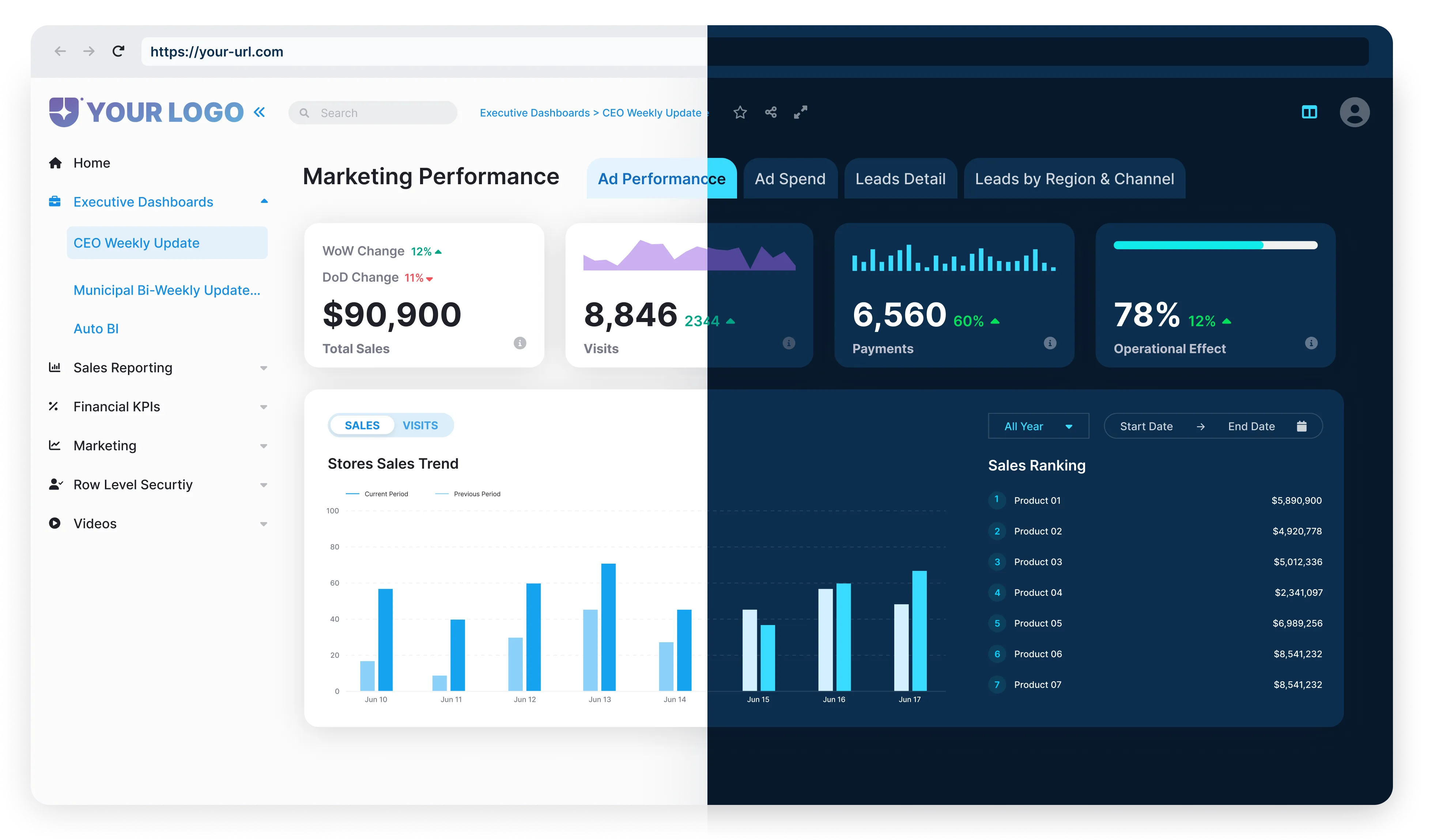

What is Power BI Embedded? Features, Benefits and Scalability
In this article, we’ll cover everything you need to know about Power BI Embedded and how
you can use it effectively.


How does Power BI Embedded work?




· Access keys: Secure keys for calling Power BI APIs.
· Users: Azure Active Directory (AAD) users with administrative rights to manage the workspace collection via the Azure portal or the Azure Resource Manager API.
· Region: Choose from 34 worldwide regions to provision your workspace collection, which supports better performance and meets data localization preferences.
What features does Power BI Embedded offer?
For companies with at least 24 users, opting for a Power BI Embedded license proves more economical than buying individual Power BI Pro licenses. Of course, it's important to remember that Power BI Embedded and Power BI Pro serve different functions and offer unique capabilities. Although Power BI Embedded is more affordable, it lacks a dedicated environment for viewing, accessing, or managing reports, functioning purely as an Azure service.


Why Use Power BI Embedded?

Benefits of using Power BI Embedded
Power BI Viewer is a real game-changer for sharing Power BI content both internally and externally. It eliminates the need for your customers to get extra Power BI Pro licenses, making it a budget-friendly option for businesses.
Plus, you can tailor and manage the user experience for different audiences, whether they're different companies or individual users, ensuring everyone gets the specific data they need.
One powerful feature is the ability to enable row level security (RLS), which allows filtering of relevant data based on user identity. This means each user only sees the data they need to see, increasing security and privacy.
Additionally, Power BI Viewer provides a stable, consistent experience for end-users, sparing them from the monthly changes and retraining sessions typically required due to Power BI's frequent updates.
It's also worth noting that Power BI Embedded Gen2 is currently in preview. This new version promises significant improvements, including better scaling tools, enhanced performance, and easier access to paginated reports and AI features. This means you can look forward to even more powerful and efficient tools in the near future.
Use Cases and applications
Power BI Embedded is making waves in industries by turning data into actionable insights. In retail, companies are harnessing its power to dissect sales data, better analyze consumer behavior and identify buying patterns, all of which are critical to optimizing inventory and creating flying marketing strategies effectiveness
Organizations in financial services rely on Power BI Embedded to manage financial performance. This data-driven approach empowers them to make informed decisions, maximizing risk management and profitability.
Healthcare organizations are using this tool to analyze key performance indicators related to service quality, productivity and patient satisfaction. By doing so, areas for patient experience improvement can be identified, ultimately leading to better healthcare outcomes.
The engineering department is no exception. Companies here use Power BI Embedded to monitor production efficiency and manage supply chains. By identifying bottlenecks and optimizing processes, productivity can be increased and costs reduced, which can drive overall operational efficiency.

How to Embed Power BI in a Website?


How Does Scalability Work with Power BI Embedded?

Additionally, Power BI REST APIs are invaluable for automating projects, gathering reports, and streamlining the development process, making your operations more efficient and effective.
Power BI Embedded vs. Power BI service: Key differences
Key Differences

User Interface and Access
- Power BI: Designed with end-users in mind, offering an intuitive interface for data exploration, analysis, and report creation.
- Power BI Embedded: Aimed at developers, enabling the seamless embedding of reports into custom applications so that end-users can access insights without needing a Power BI account.

Deployment
- Power BI: Reports are deployed within the Power BI service and accessed through the Power BI web portal or mobile app.
- Power BI Embedded: Reports are embedded directly into custom applications, creating a more integrated experience within the app itself.

Licensing
- Power BI: Requires individual user licenses for access and usage.
- Power BI Embedded: Operates on a capacity-based pricing model, where businesses purchase dedicated cloud resources to embed reports into their applications.

Customization
- Power BI: Offers customization options within the service, though with some limitations compared to Power BI Embedded.
- Power BI Embedded: Provides extensive customization capabilities, allowing developers to align embedded reports with the application's aesthetics and branding.
Power BI Embedded Pricing
The overall cost of Power BI Embedded depends on the node kind selected and the range of nodes deployed. Node types differ based on number of V-cores and RAM as outlined in the table below: